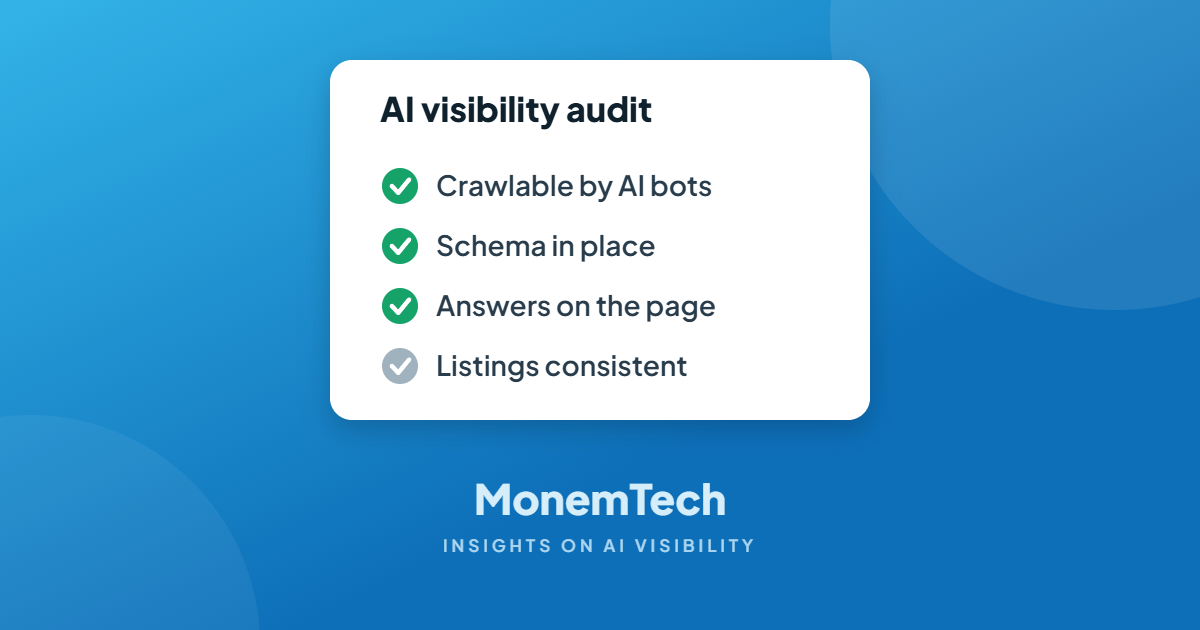
AI Visibility Audit Checklist: 7 Checks You Can Run Today
You don’t need special software to find out whether AI assistants can see your business. This checklist walks through the same checks I run at the start of every engagement — most take less than five minutes each.
Work through it top to bottom. The early checks are foundations: if one of them fails, fix it before worrying about the rest.
1. Can AI crawlers reach your site?
- Check robots.txt. Visit yoursite.com/robots.txt and look for rules blocking GPTBot, OAI-SearchBot, PerplexityBot, ClaudeBot or Google-Extended. Decide deliberately which you allow — don’t leave it to a plugin default.
- Check your firewall and security settings. Some hosting and security tools block unfamiliar bots automatically.
- View your page without JavaScript. If the text disappears, many crawlers can’t read it either.
2. Are you indexed where it counts?
- Google: search site:yourdomain.com and confirm your key service pages appear. Verify the site in Google Search Console.
- Bing: do the same search on Bing and verify in Bing Webmaster Tools. Several AI assistants lean on Bing’s index.
- Sitemap: make sure an XML sitemap exists and has been submitted to both.
3. Does your structured data tell the full story?
- Run your homepage through the Schema Markup Validator (validator.schema.org) and Google’s Rich Results Test.
- Look for the essentials: Organization or LocalBusiness type, name, address, phone, hours, logo and links to your social profiles.
- Service and FAQ pages: check that they carry Service and FAQPage markup where relevant.
New to schema? Start with Schema for Small Businesses, in Plain English.
4. Does your content answer real questions?
- List the ten questions customers ask most. Can a visitor find a direct answer to each on your site?
- Check your service pages for specifics. Named services, locations, who you serve, what it costs or how pricing works.
- Look at your headings. Headings phrased the way people ask (“How much does a crown cost?”) are easier for AI to match.
5. Are your business facts consistent everywhere?
- Compare name, address and phone across your website, Google Business Profile, Bing Places, Apple Business Connect, Yelp and your industry directories.
- Fix old addresses and phone numbers. Conflicting facts make AI less confident about recommending you.
- Complete your profiles. Categories, services, hours, photos and description — not just the basics.
6. What do others say about you?
- Reviews: are they recent, and do they mention specific services?
- Mentions: search your business name in quotes. Are you listed in local press, associations, partner sites or “best of” roundups?
7. Ask the AI directly
Finally, test the outcome. Ask ChatGPT, Gemini, Perplexity and Copilot the questions your customers ask — “best [your service] in [your city]” and a few more specific ones. Record who is named, in what order, and how each business is described. Then ask each assistant about your business by name and check that the facts are right.
Make it a habit: run step 7 once a month and keep a simple log. It’s the most direct evidence you’ll get of whether your AI visibility work is paying off.
Frequently asked questions
How often should I audit my AI visibility?
Run the full checklist once a quarter and the “ask the AI” test monthly. Re-run the technical checks any time you redesign your site or change hosting.
Should I block AI crawlers to protect my content?
That’s a business decision. Blocking them may keep your content out of training data, but it can also keep you out of AI answers and recommendations. Most local and service businesses benefit from being visible.
What’s the most common problem you find?
Inconsistent business information and thin service pages. Both are fixable without a full redesign.
Rather have us run it for you?
I’ll run this audit on your site and send back a short list of what’s working, what’s broken, and which fixes to make first.